How to change fonts for heading and body
Written By Moritz Dreßler
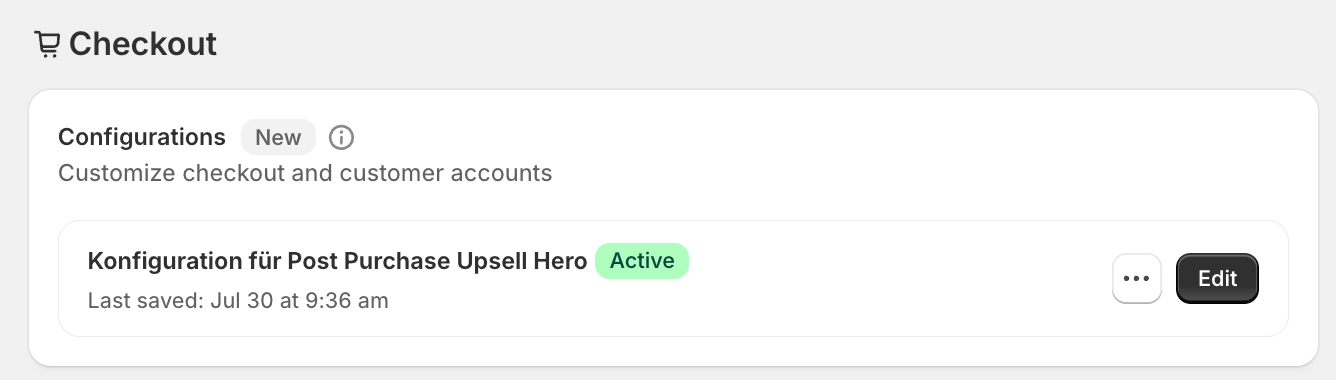
Your post-purchase offer page automatically matches your Shopify checkout branding. As a result, there are no options within Post Purchase Upsell Hero to customize colors, fonts, or other elements. However, you can make these changes in the Shopify checkout editor. To open it, go to Settings → Checkout in your Shopify admin and click “Edit / Customize”:
Many of the fields in the Shopify checkout editor are linked to the post-purchase offer page. The mapping below shows which Shopify checkout setting controls which element on the post-purchase upsell page:
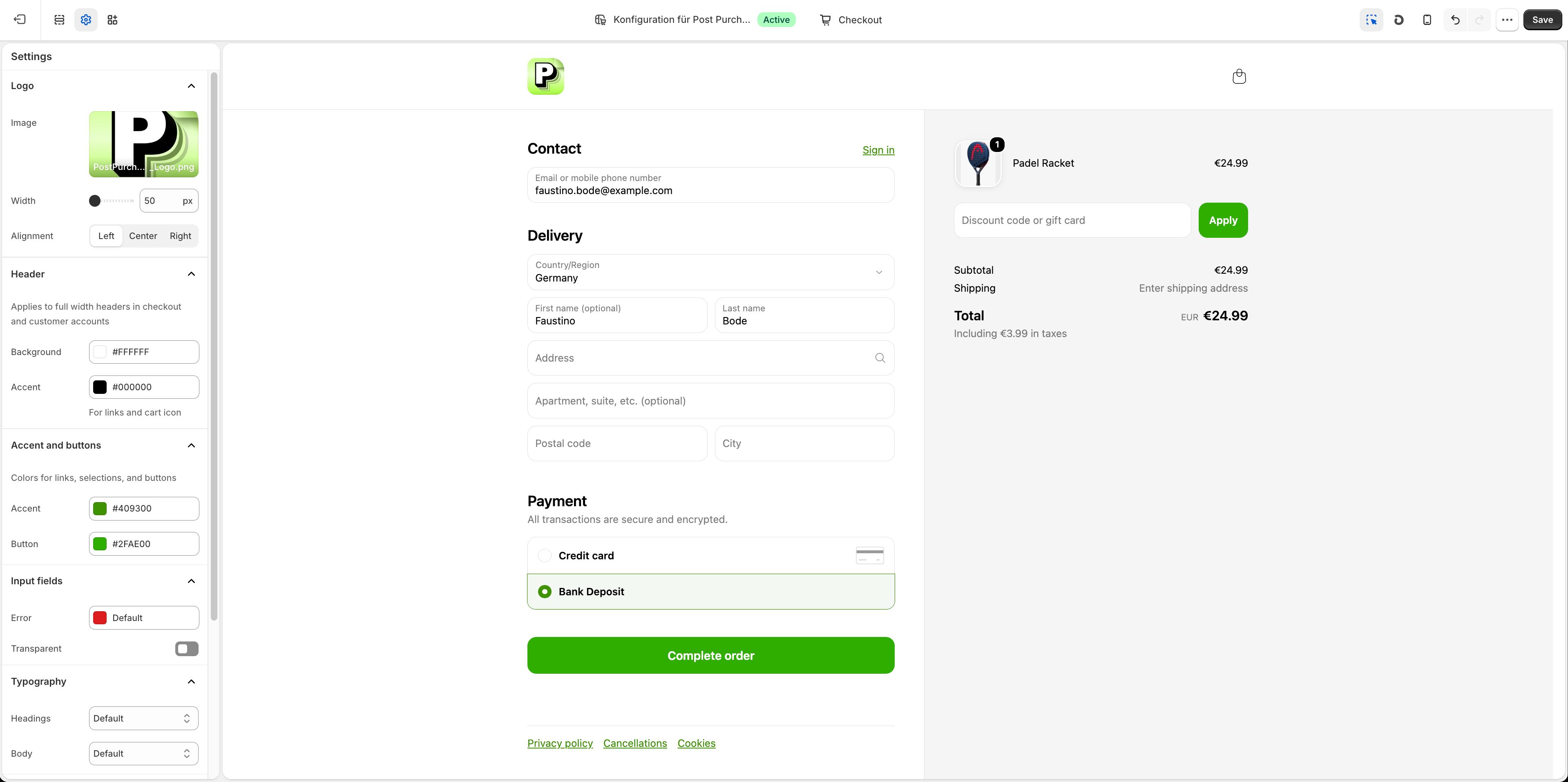
Please note that our editor preview may display minor differences, but your branding should match the Shopify checkout settings on a live post purchase upsell offer. Before you publish a funnel, we recommend placing a test order to verify this.