How to setup?
Written By Calvin Blick
Setup Post Purchase Upsell Hero in minutes. Just follow our Setup Guide:
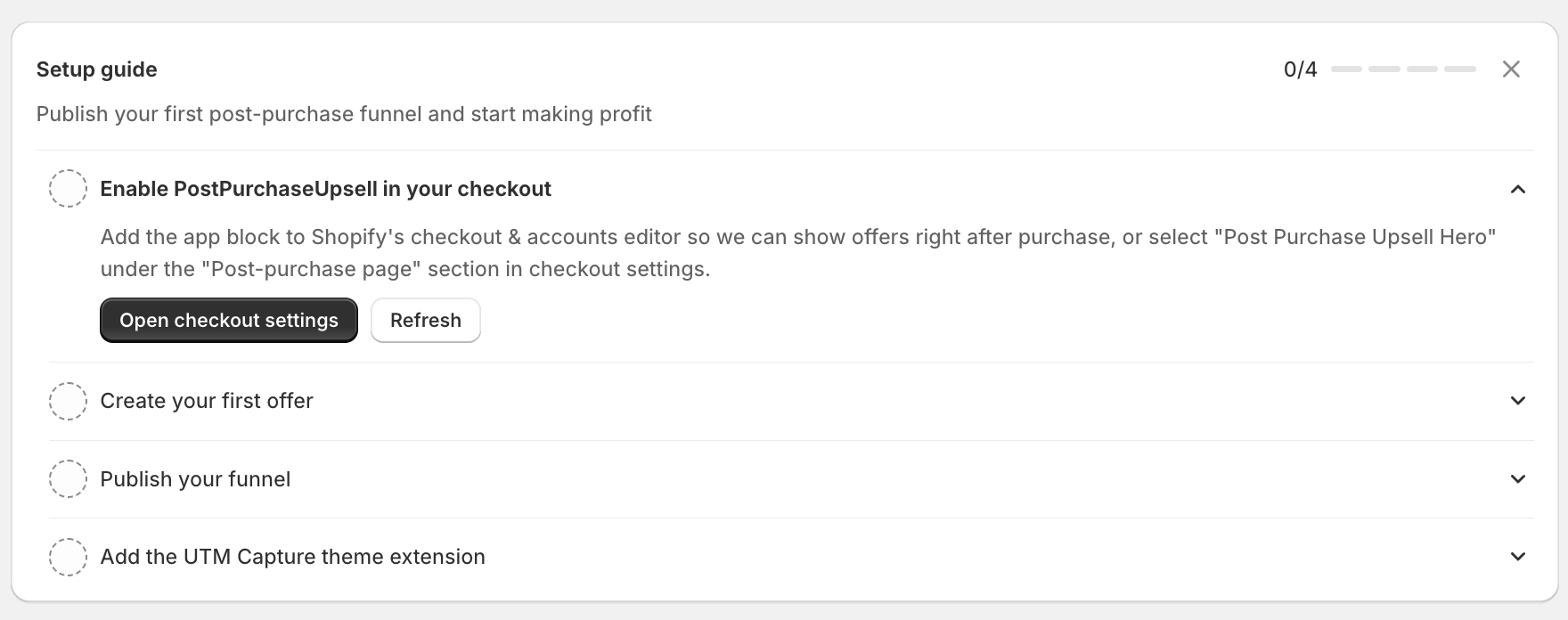
Once all steps are completed you are ready to make extra revenue via upsells:

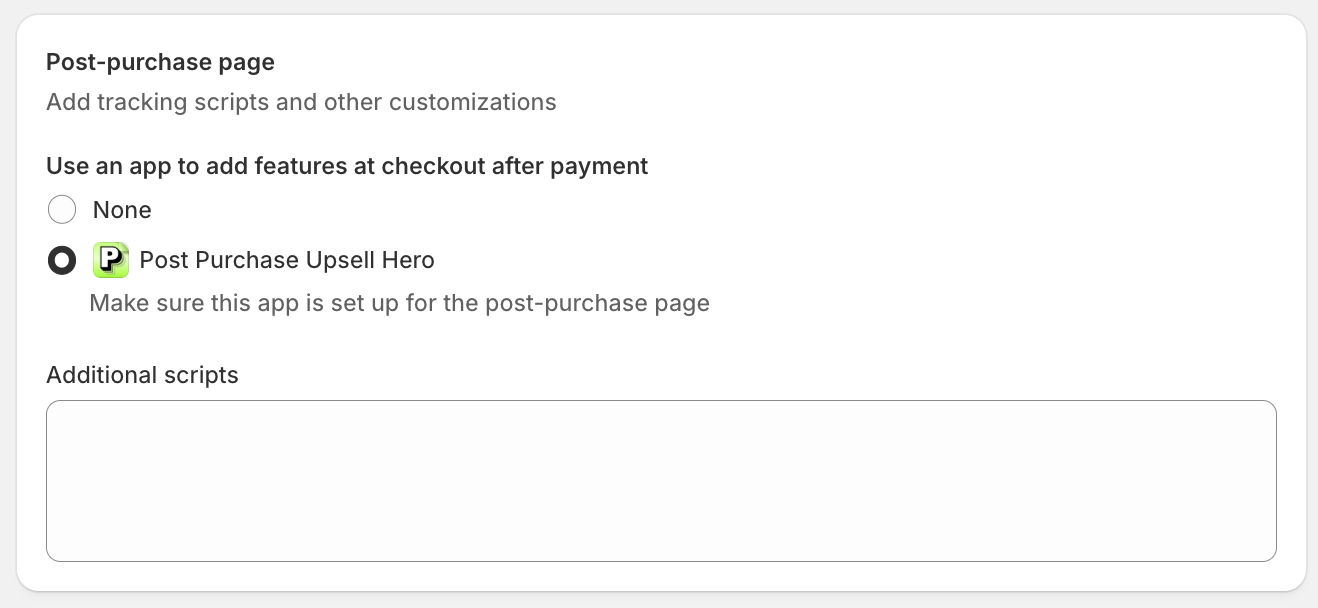
1. Add Post Purchase Upsell Hero as Default App
Choose Post Purchase Upsell Hero as Default App for your post purchase page after checkout
2. Create your First Offer
Upsell are displayed after checkout when a order was completed
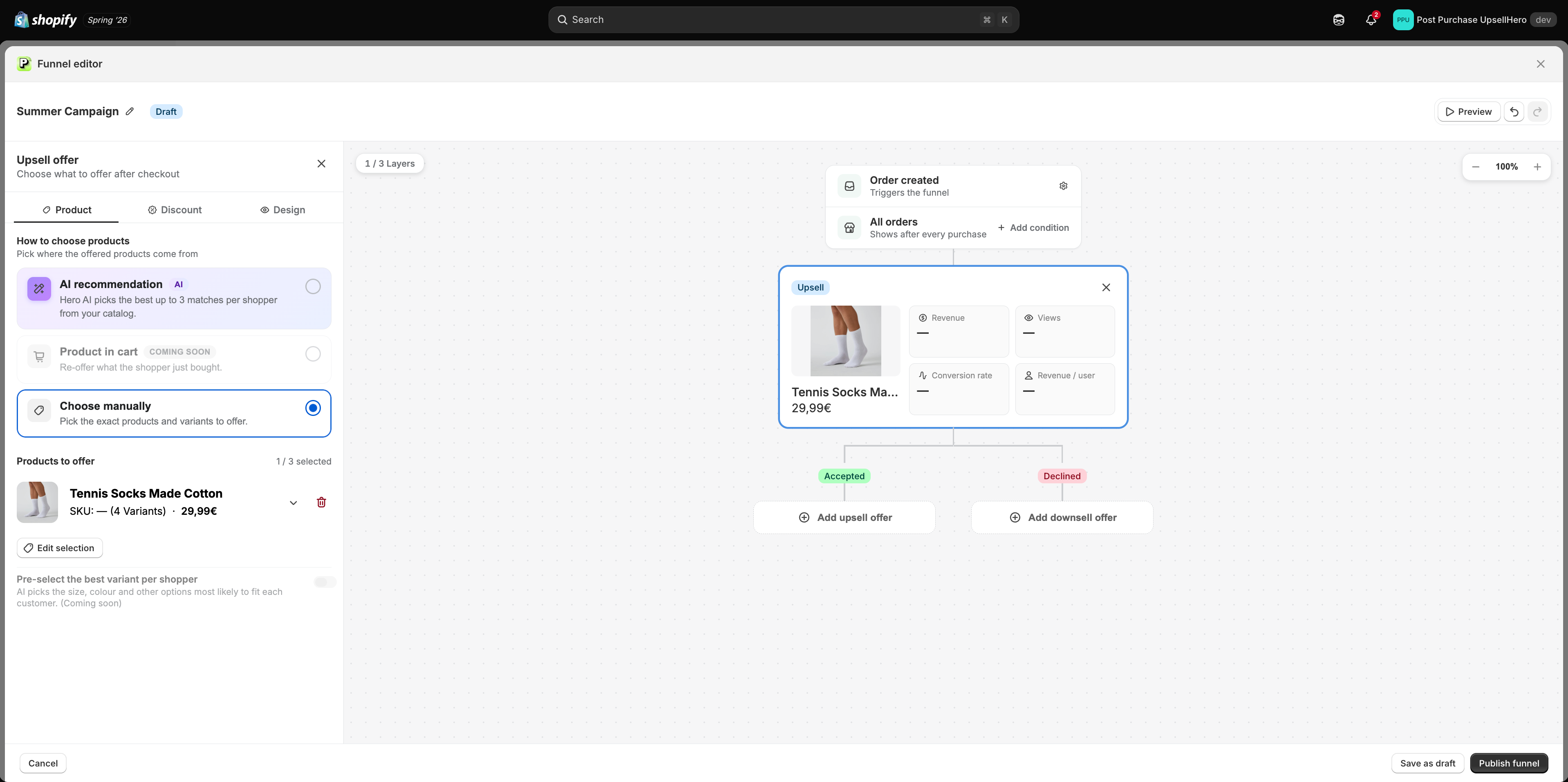
Add a trigger (optional)
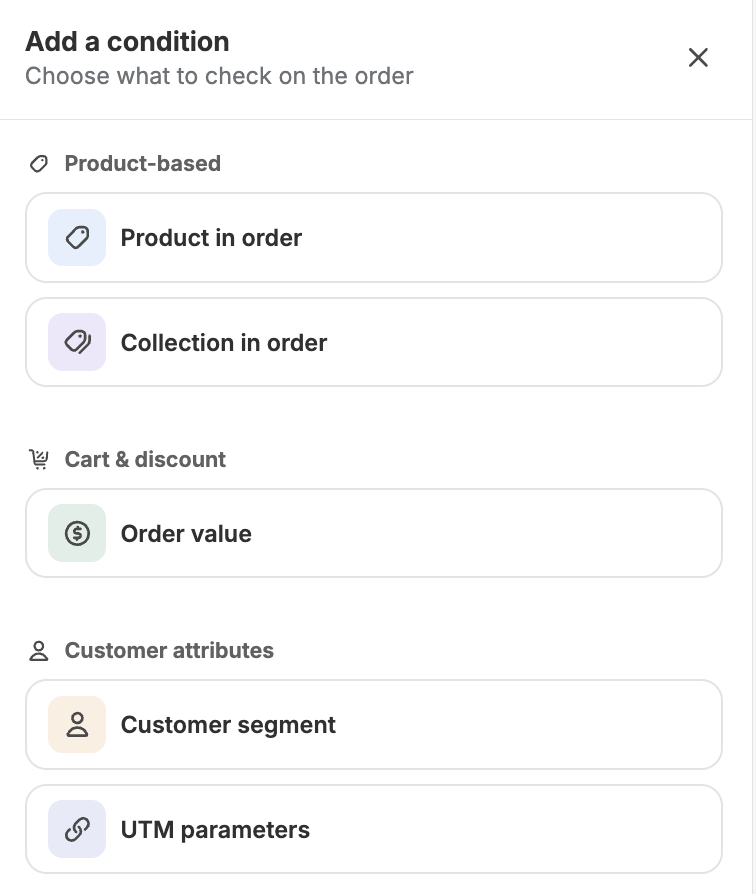
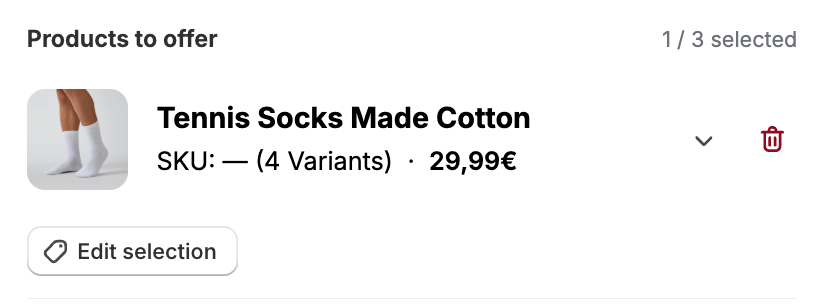
Select your upsell product
AI recommendation
Select up to 3 products manually
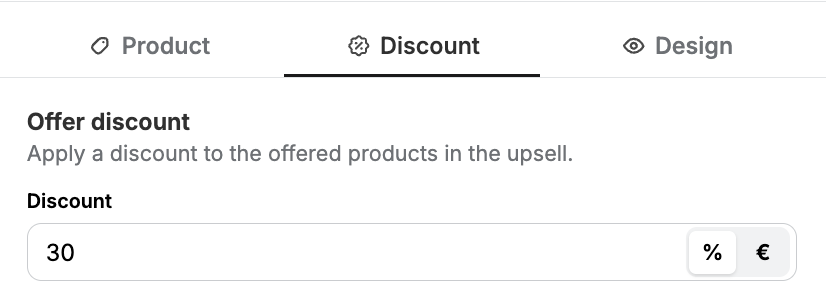
Set your discount (percentage or absolute)
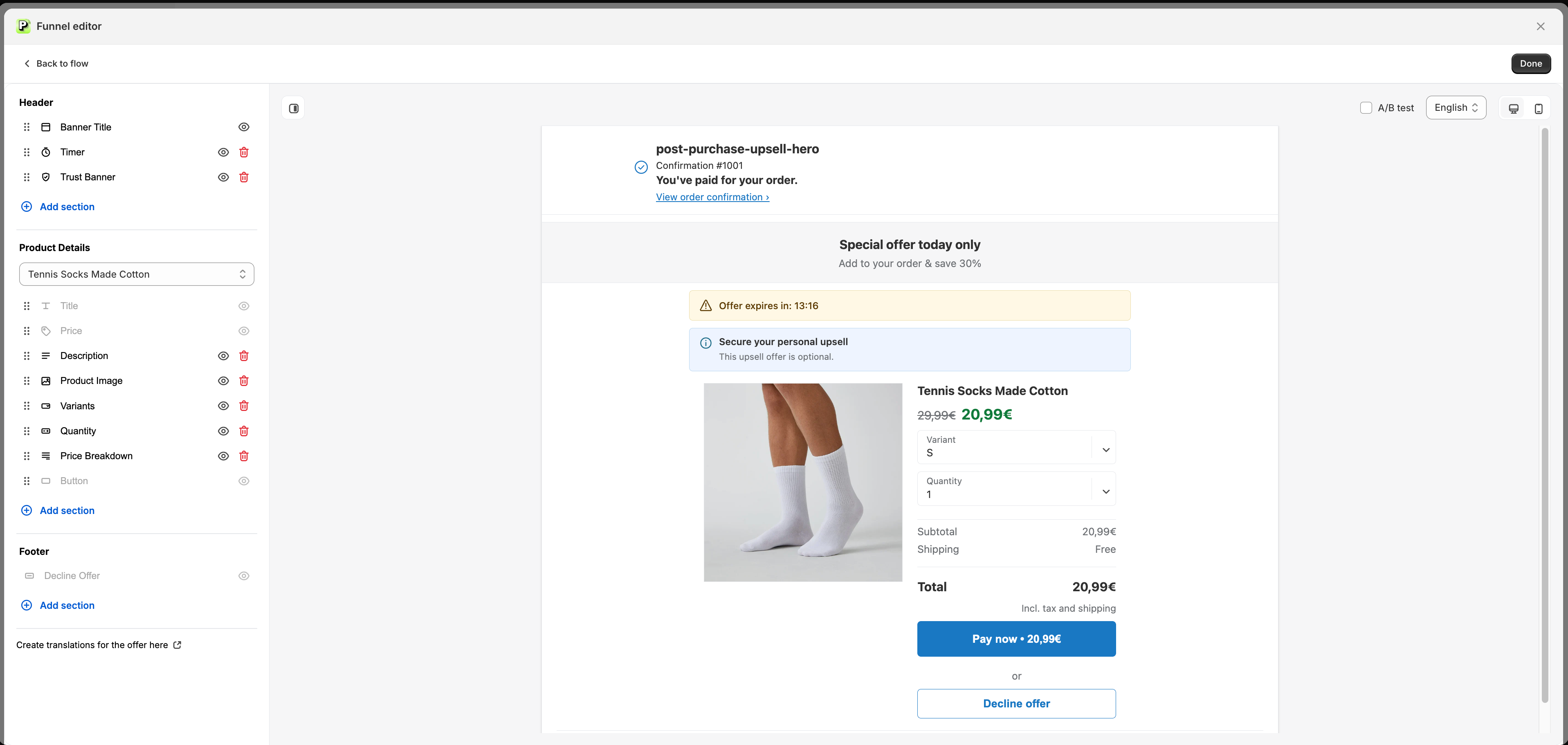
Customize your layout
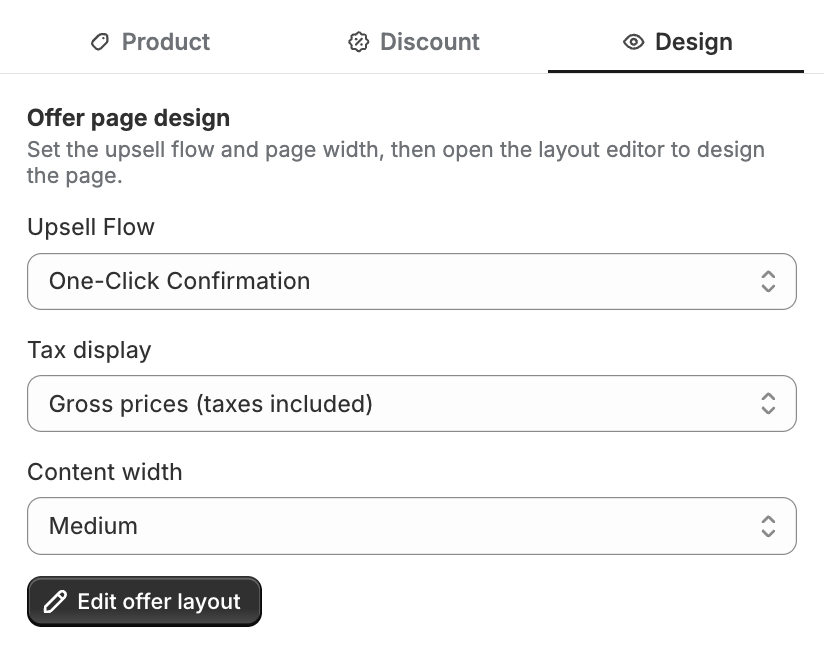
3. Publish your funnel
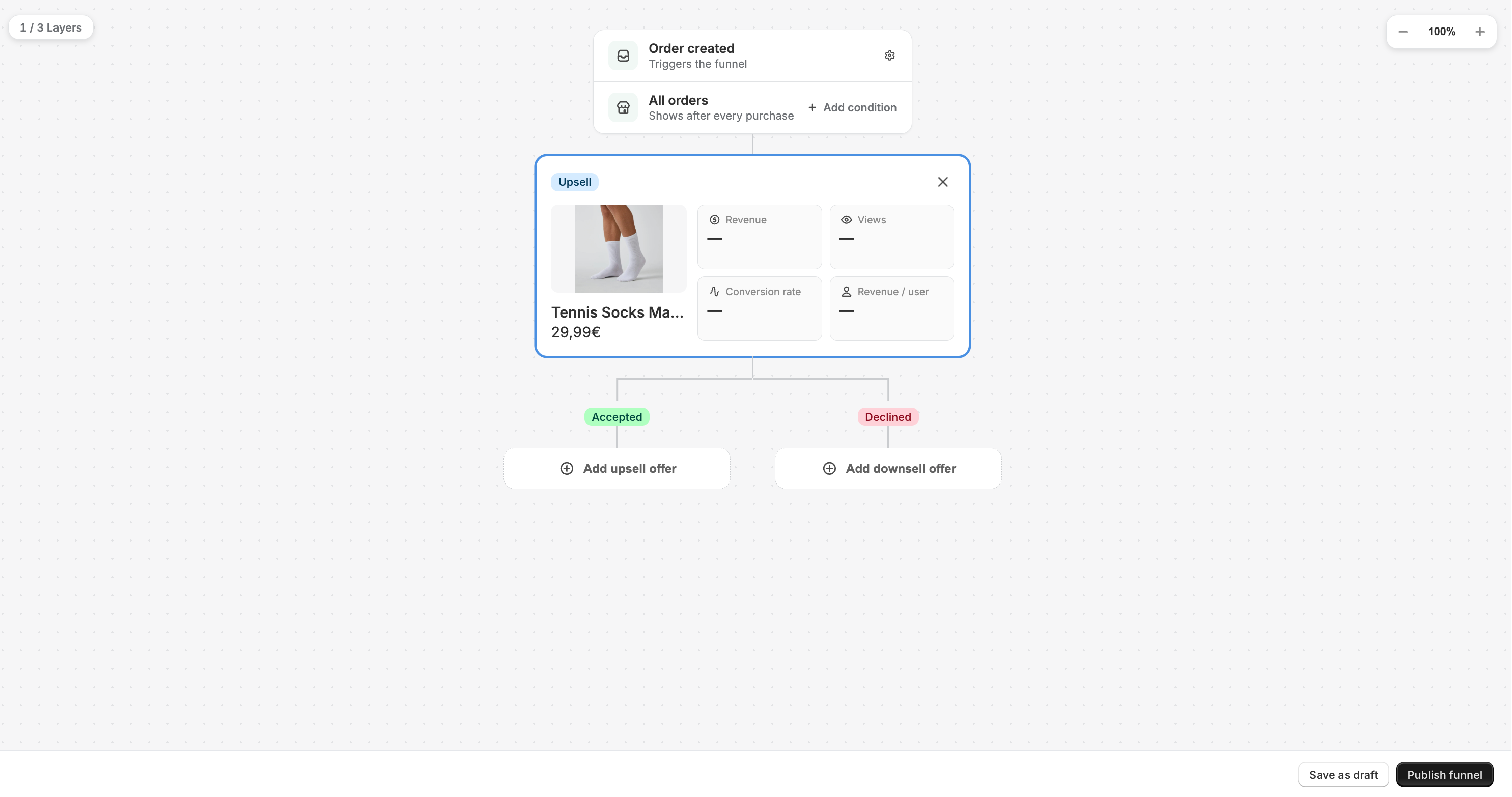
Once you are happy with the layout publish the funnel
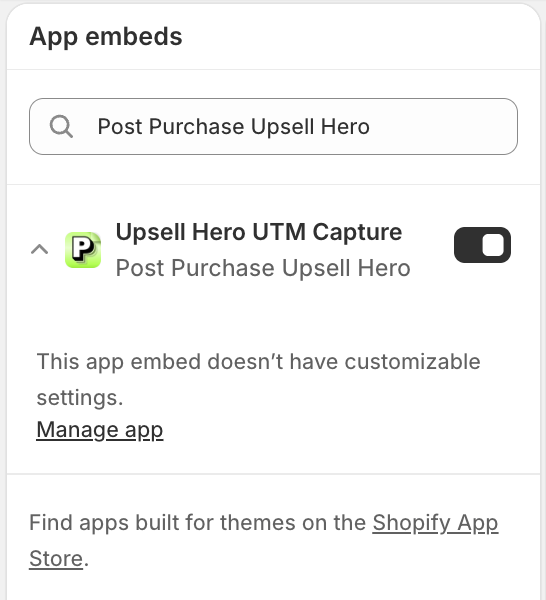
4. Add the UTM capture theme extension (optional)
If you wish to trigger your funnels based on UTM parameters, you must add the theme extension and save the changes