DiscountHero Onboarding Guide
Step-by-step onboarding guide for DiscountHero – get discount fraud prevention running in minutes.
Written By Moritz Dreßler
After you installed the app you first need to setup the app. You need help with the to setup up? Don't hesitate to contact our support team.

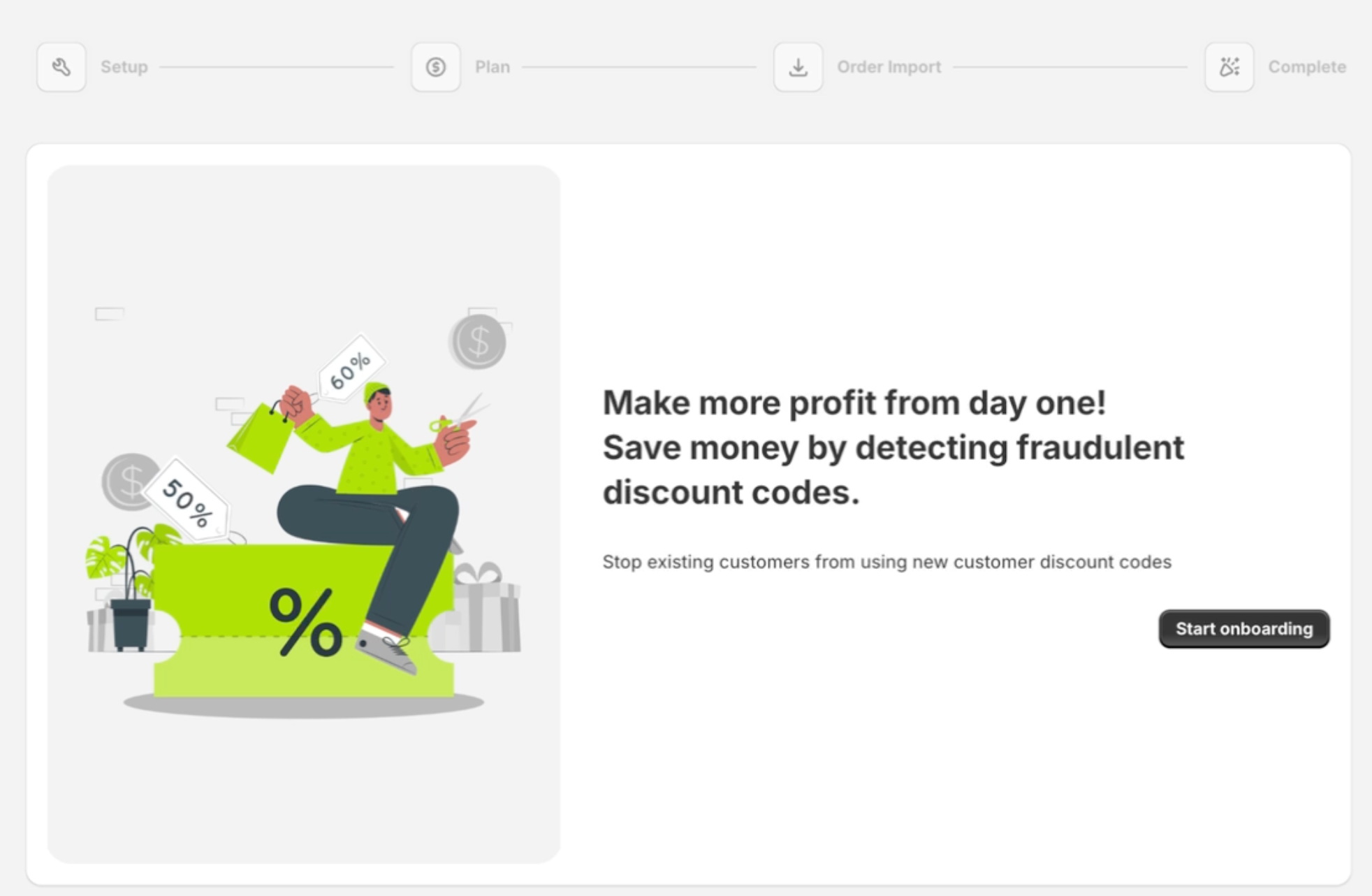
Step 1: Start onboarding
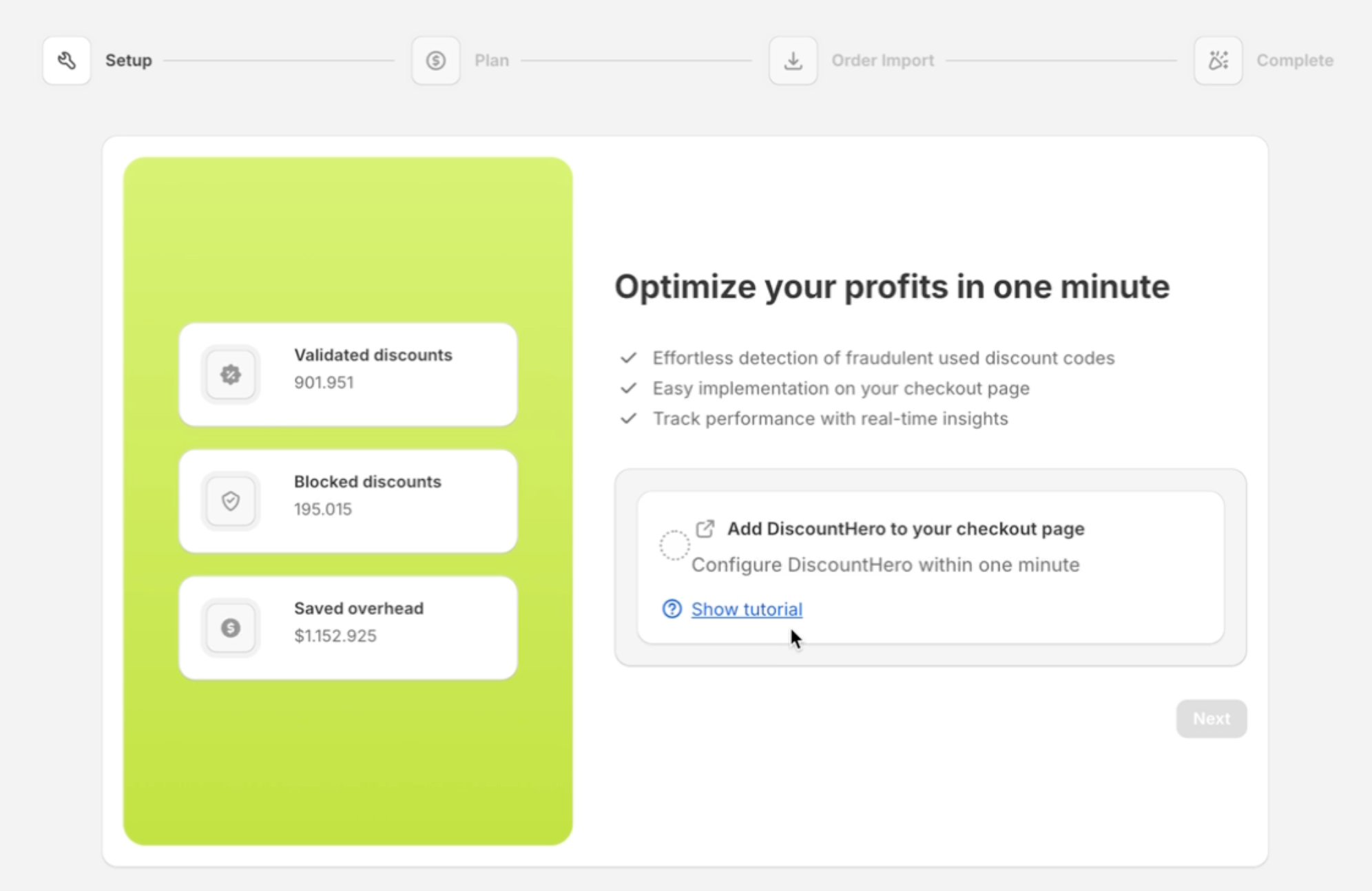
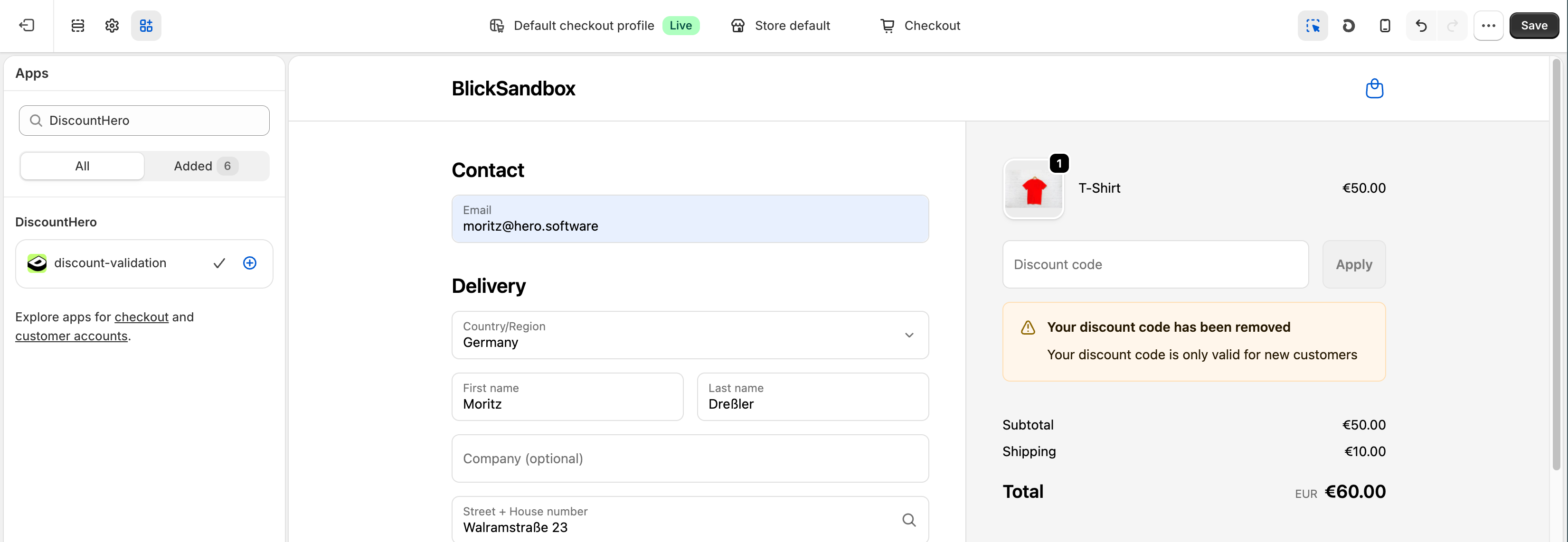
Step 2: Add Checkout Extension to your Checkout Page
Open checkout editor
On the top bar, select Checkout page
On the left sidebar, select Sections
Click Add app block and select DiscountHero
Preview the extension and press Save
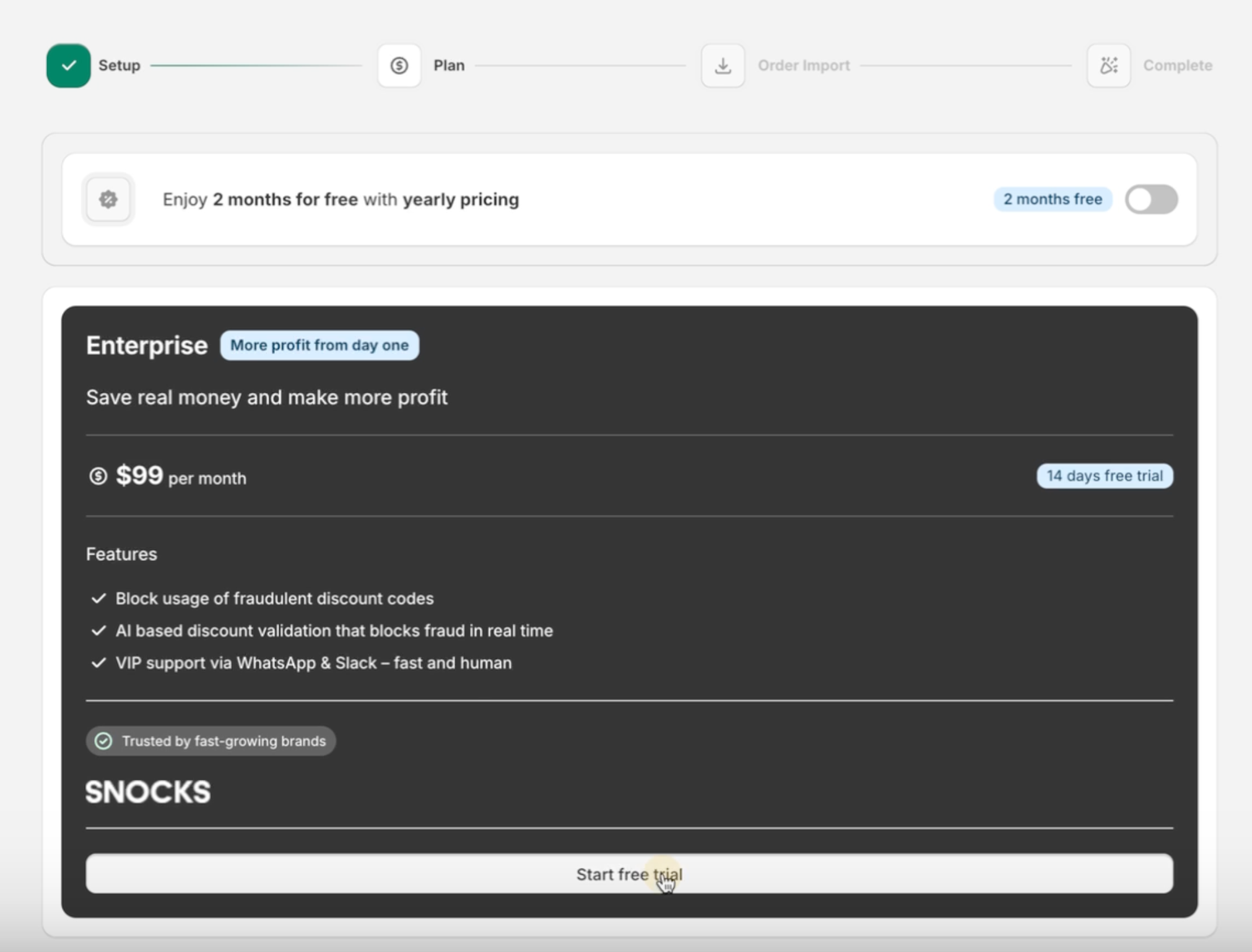
Step 3: Choose a plan
Pricing $99 per month
14-day free trial
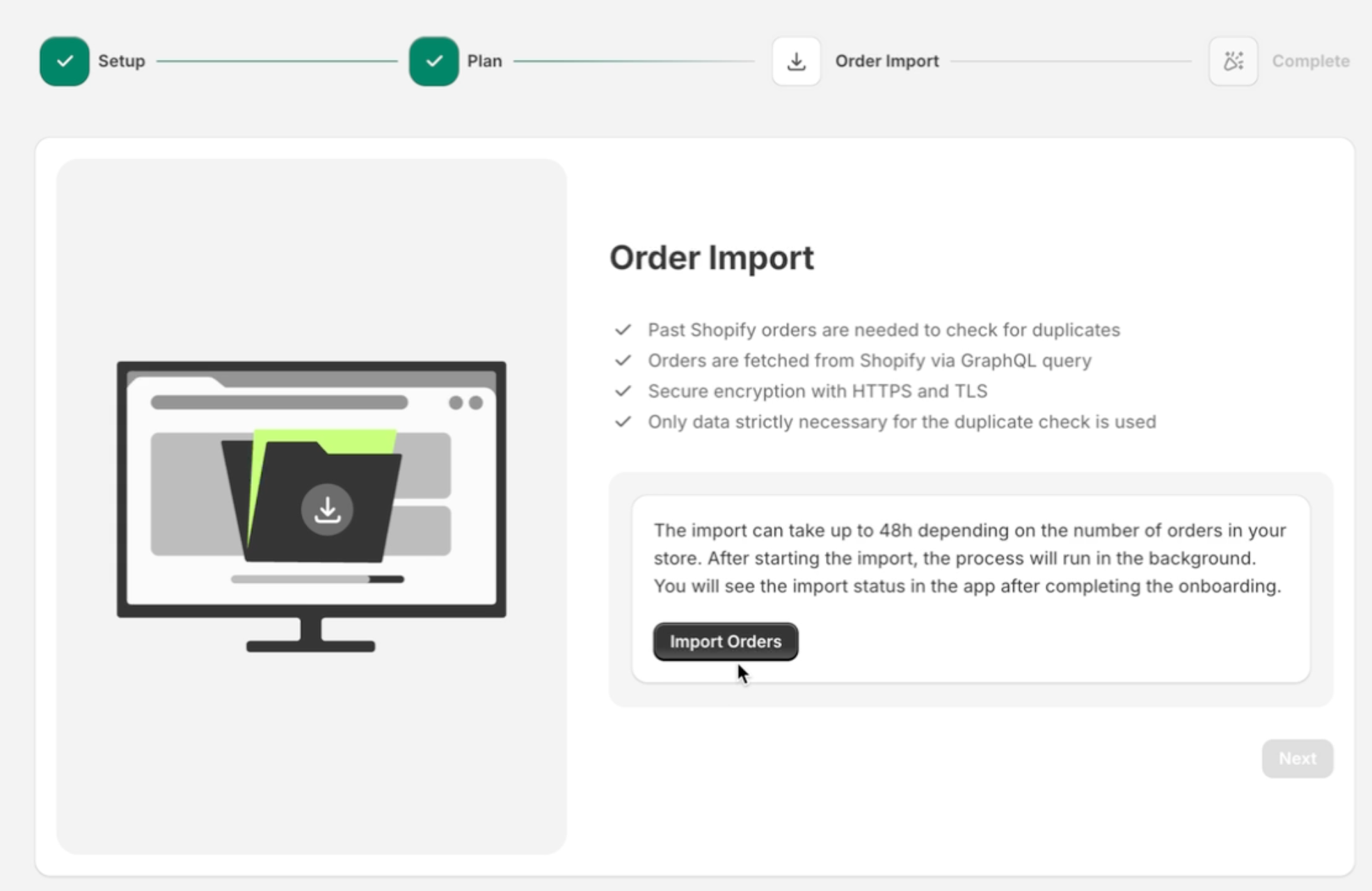
Step 4: Order Import
The import can take up to 48h depending on the number of orders in your store. After starting the import, the process will run in the background.
You will see the import status in the app after completing the onboarding.
Step 5: Congratulations, setup complete!
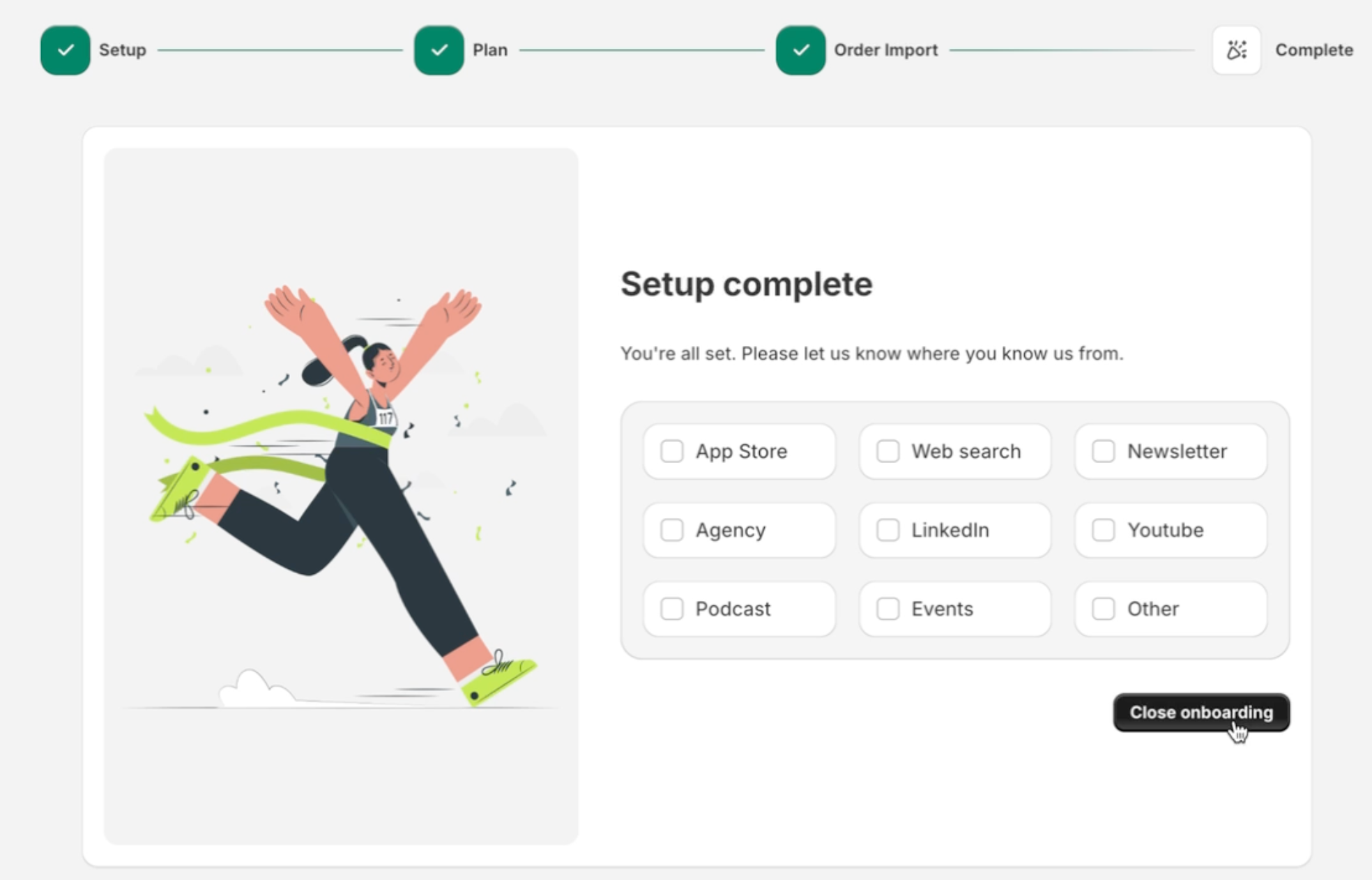
Step 5: Explore app UI while order import still in progress
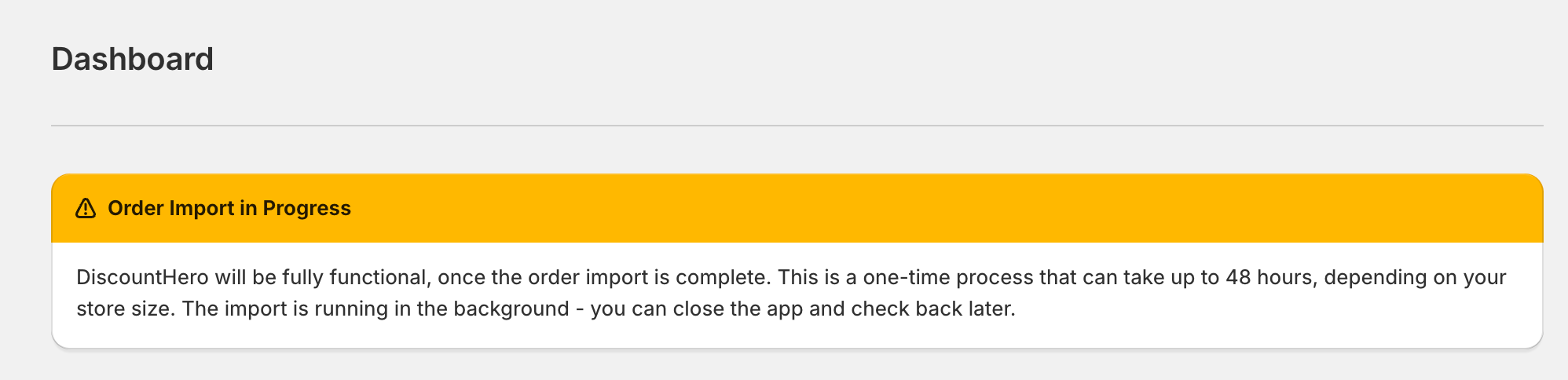
Settings
Activity Log
Analytics
Translations
Feature Roadmap
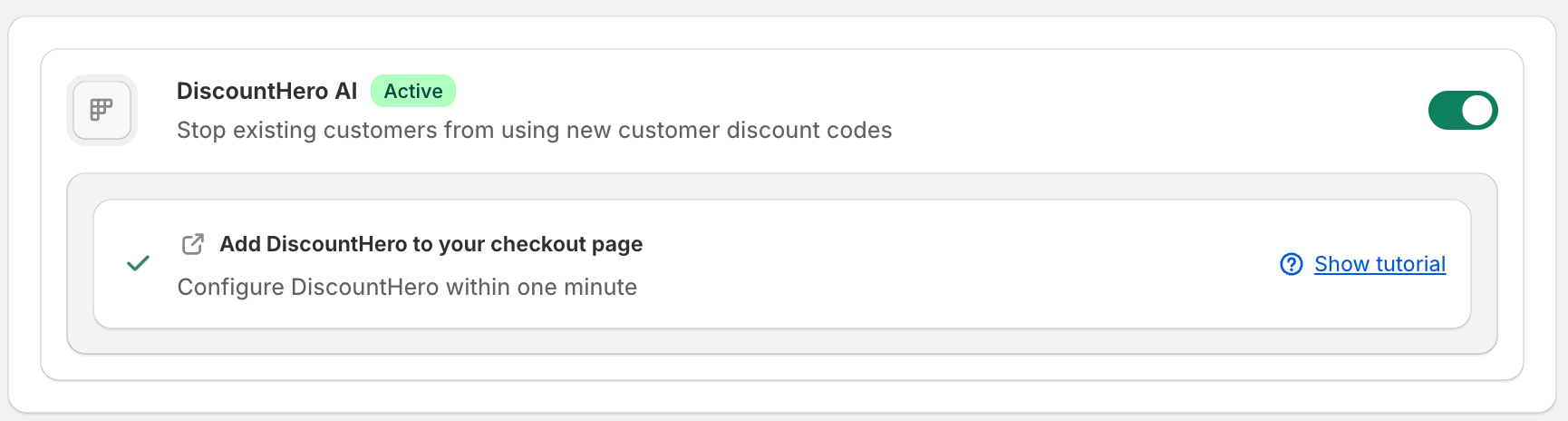
The app is fully functional when the following conditions are met:
1. Order Import completed ✅

2. Extension is added to the checkout page ✅
3. Toggle in the merchant app interface is active ✅
4. You have an active Subscription ✅
Was this helpful?
Still need help? Ask the team