How to Create a Rename Rule?
Create a rename rule in PaymentHero to display custom labels for payment methods at checkout.
Written By Moritz Dreßler
Creating your payment rules can seem quite overwhelming, but it's actually quite simple.
1) Choose your rule
When creating a rule you can choose between 3 options:
1. Sort Payment Methods
2. Hide Payment Methods
3. Rename Payment Methods
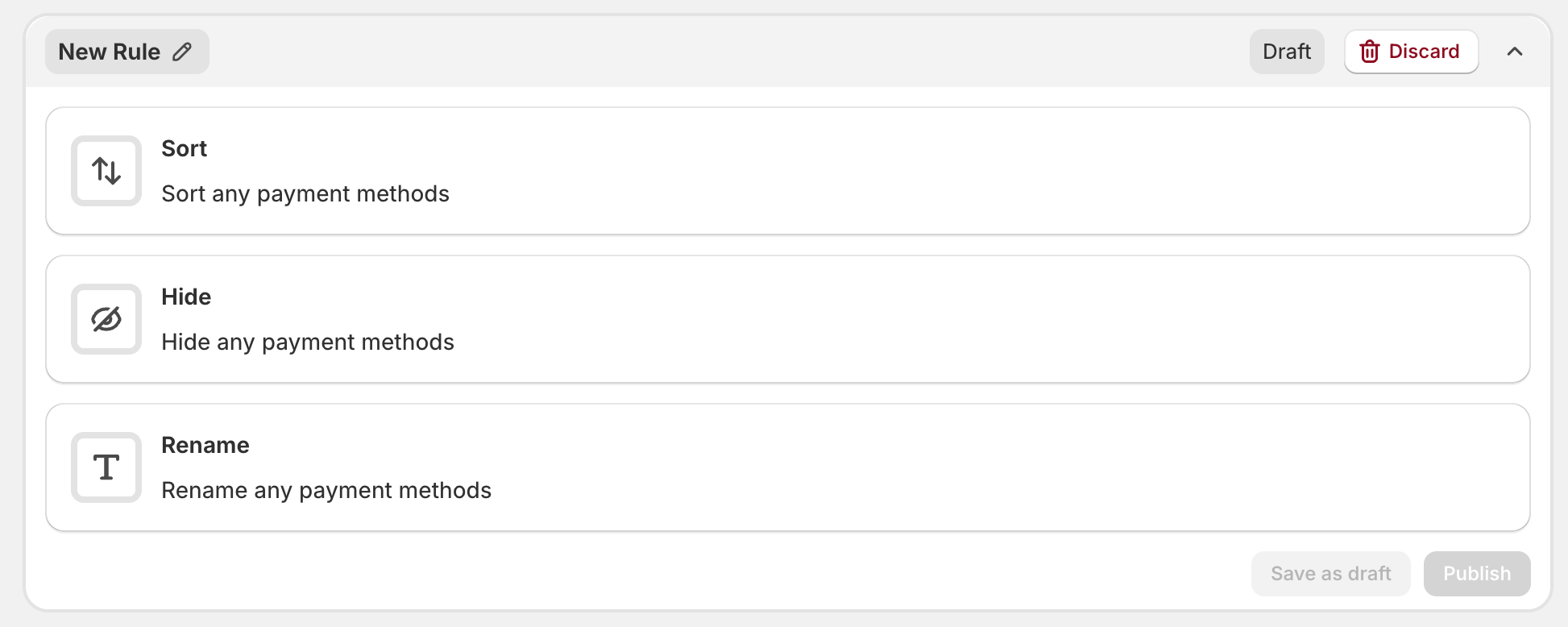
2) Create the rename rule
Step: Choose a label for your rule

Select the countries in which the rule should apply
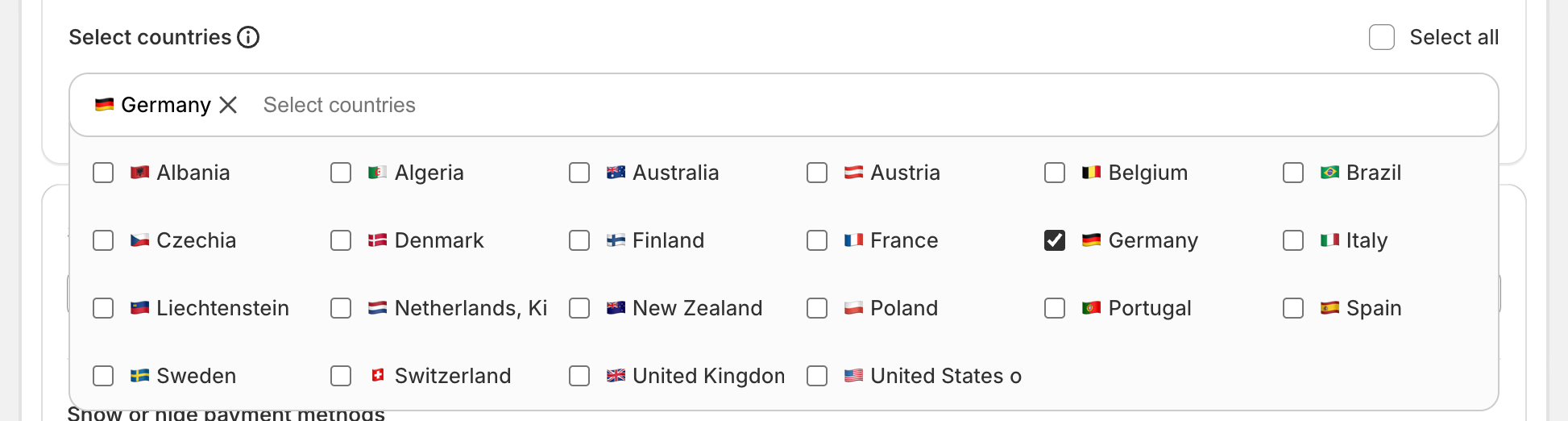
Step: Select the payment methods you would like to hide

Step: Rename one or multiple payment methods at the same time. Choose a label that is easy to understand for all customers

Step: You can either publish the created rule directly or save it as draft and edit it later.

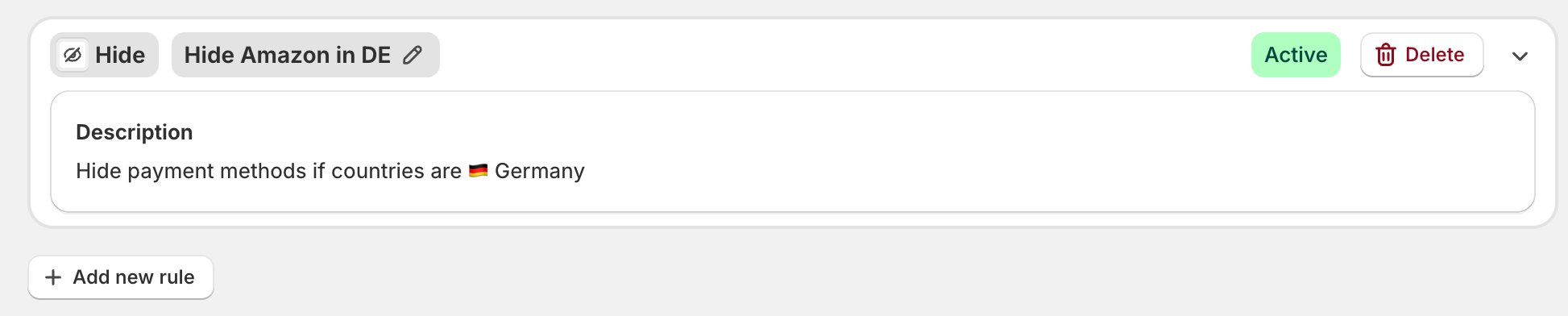
Step: Once you saved a rule you can always come back and edit, delete or change the status to "draft". Or you can simply add a new rule.
Was this helpful?
Still need help? Ask the team