Send E-Mails to customer
Set up automated customer emails when AddressHero detects an address error on their order.
Written By Calvin
If a customer checked out the purchasing process with an unchanged incorrect address, AddressHero offers the option to automatically send E-Mails to the customer.
How do I set it up?
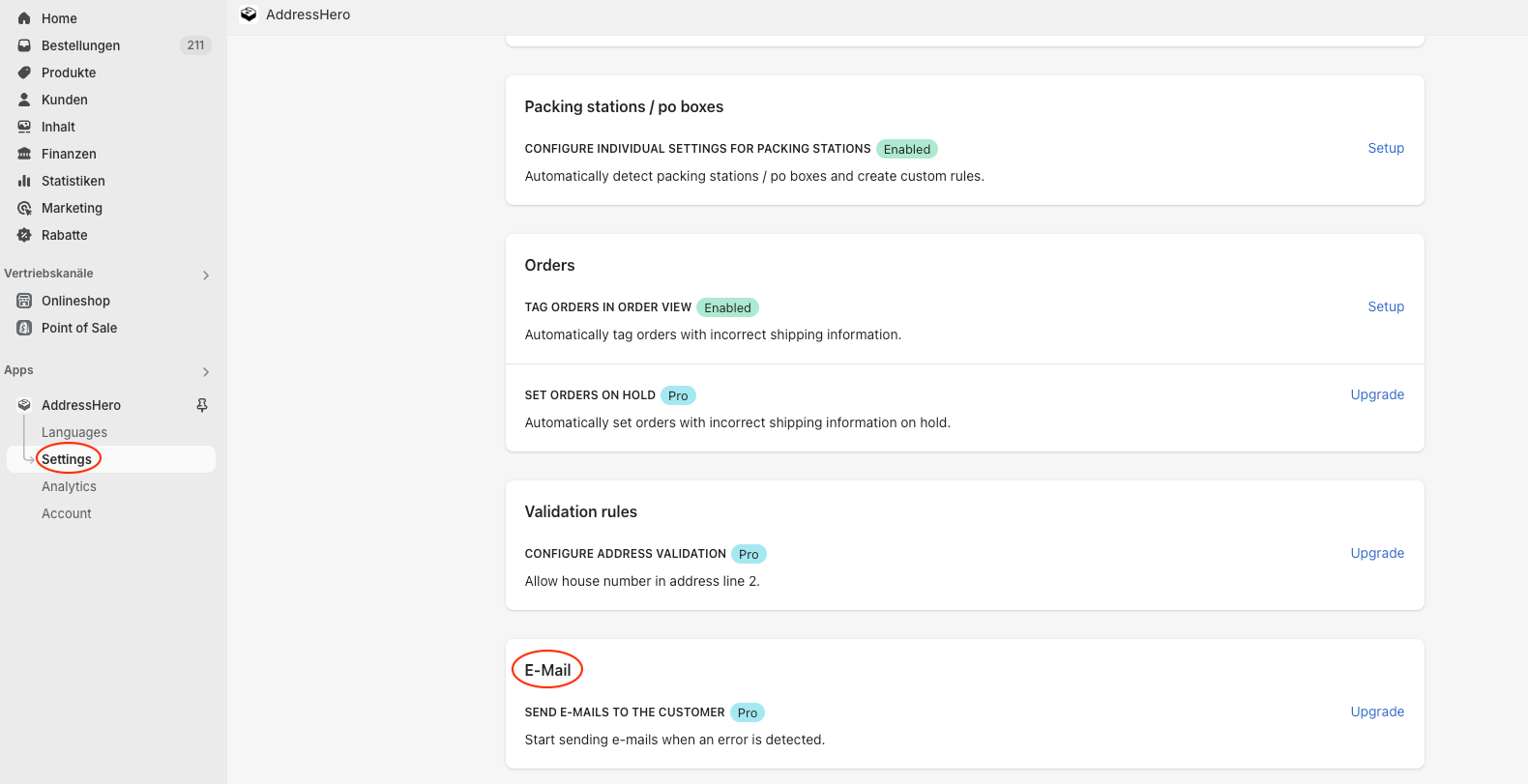
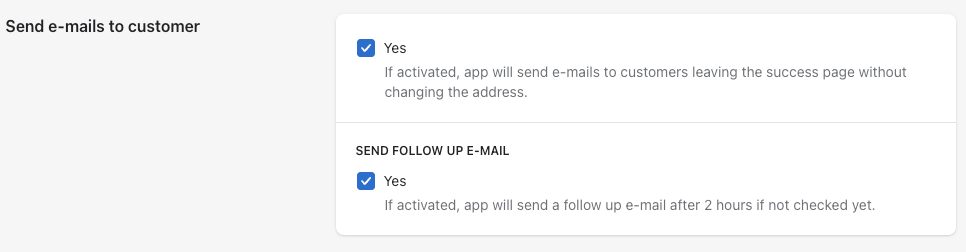
Send E-Mails to customer
If this option is activated, AddressHero will send E-Mails to customers who left the success page without changing the incorrect address.
AddressHero can also send follow up E-Mails after 2 hours if the customers haven’t checked their address yet.
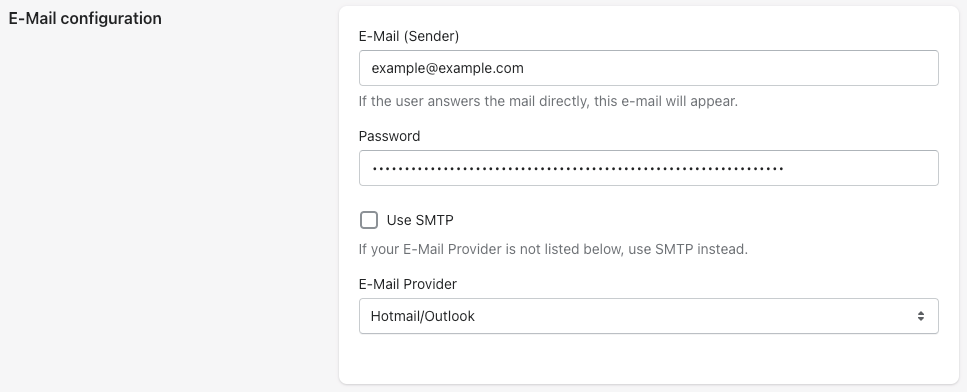
E-Mail configuration
You can set your E-Mail address that will appear if the customer answers the E-Mail directly.
Your E-Mail address is protected by a password.
Select your E-Mail provider.
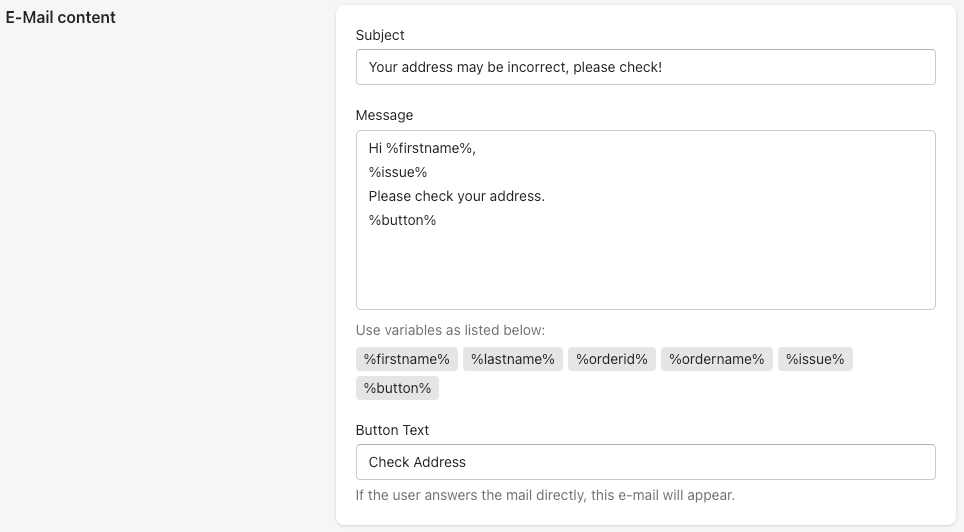
E-Mail content
Adjust the subject, message and button text of the E-Mail that will be sent to the customer.
Use variables to simplify the communication process.
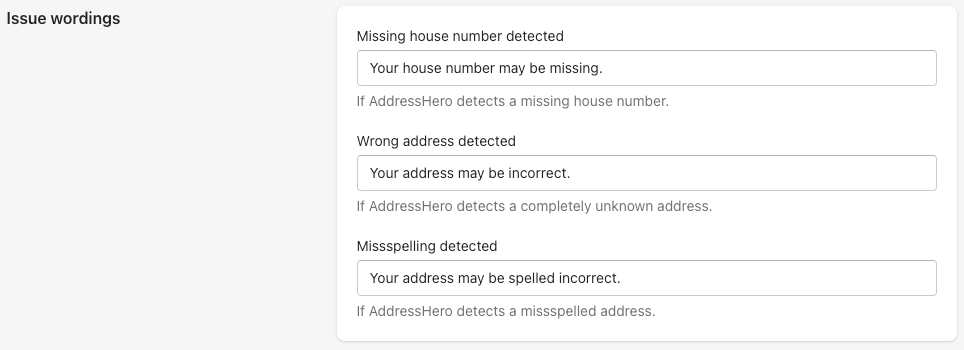
Issue wordings
Adjust the issue wordings, e.g. for missing house numbers, wrong addresses and missspellings.
Was this helpful?
Still need help? Ask the team